Description
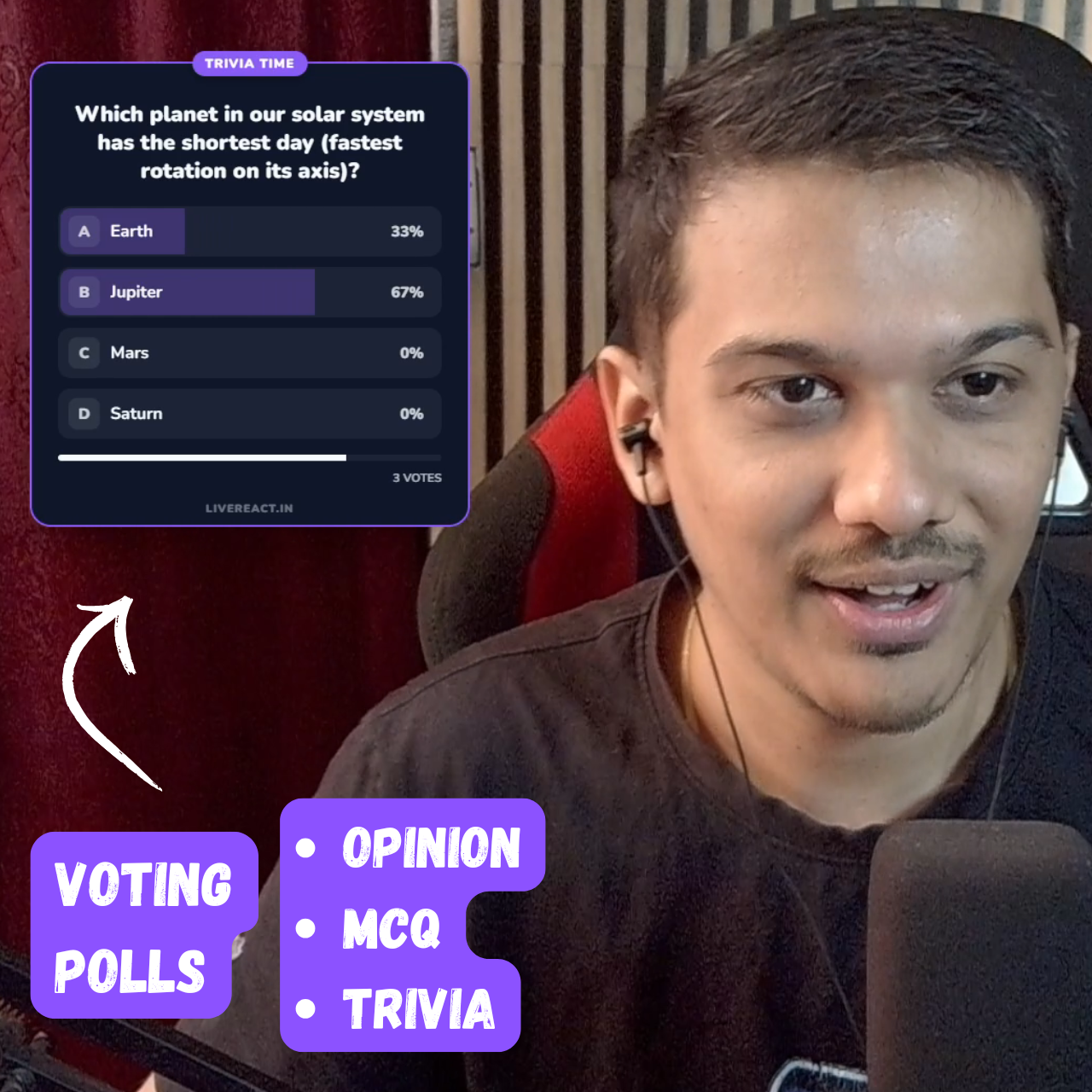
Turn your chat into a live game show! 🚀 Boost your stream engagement instantly with the Real-Time Chat Polls & Trivia overlay. Whether you want to settle a debate with an Opinion Poll or test your viewers’ knowledge with a competitive Trivia/MCQ Leaderboard, this tool handles it all seamlessly.
Powered by Streamer.bot, this overlay listens to your chat in real-time. Viewers simply type A, B, C, or D to vote. No external links, no confusion—just pure interaction directly in your YouTube or Twitch chat.
🔥 Key Features
Two Powerful Game Modes:
-
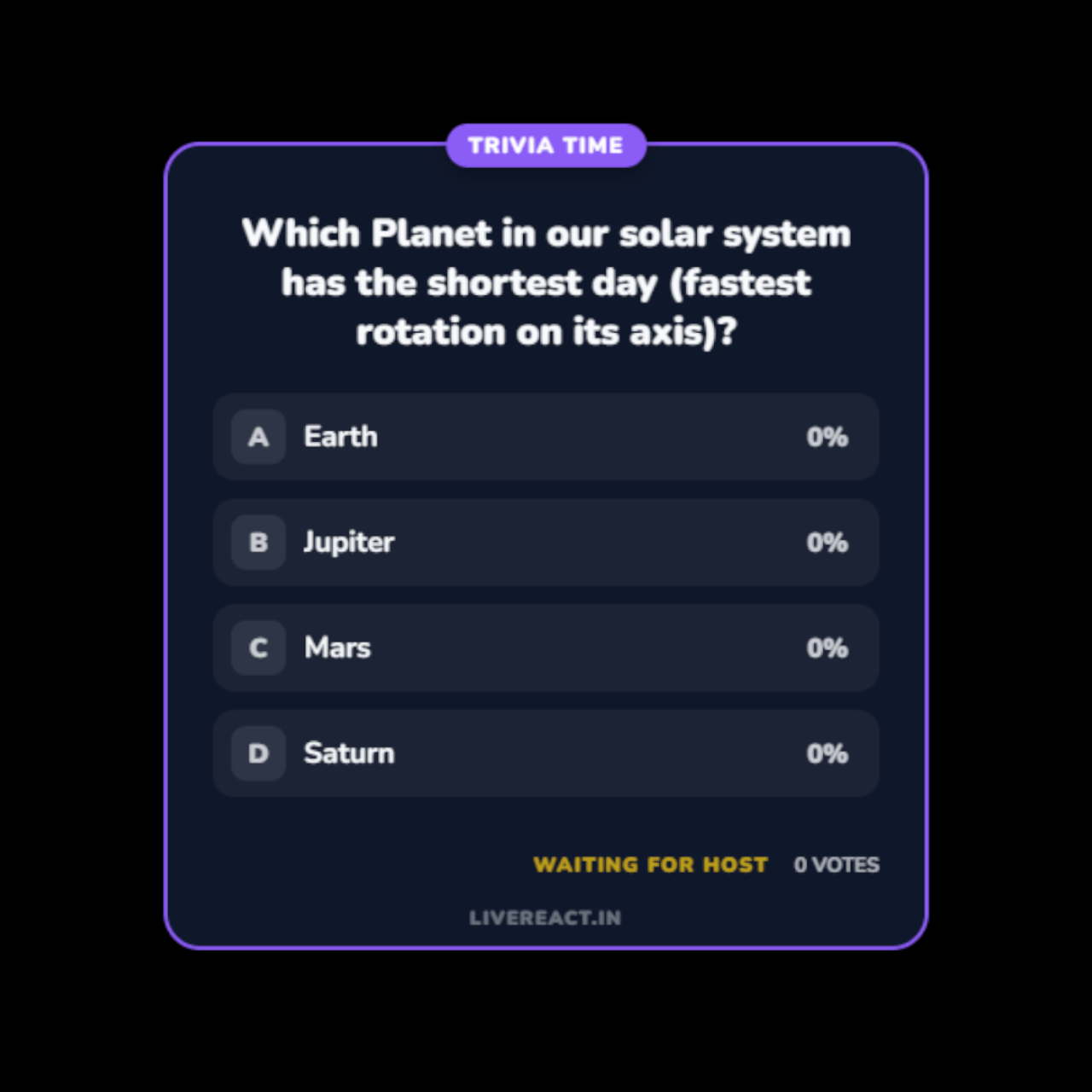
📊 Opinion Mode: Perfect for “What game next?” or “Rank this skin!” – Displays live percentage bar charts that update as users vote.
-
🧠 Trivia / MCQ Mode: Host a full quiz show! Automatically highlights the Correct Answer in Green and wrong answers in Red.
🏆 Built-in Leaderboard System (NEW!)
-
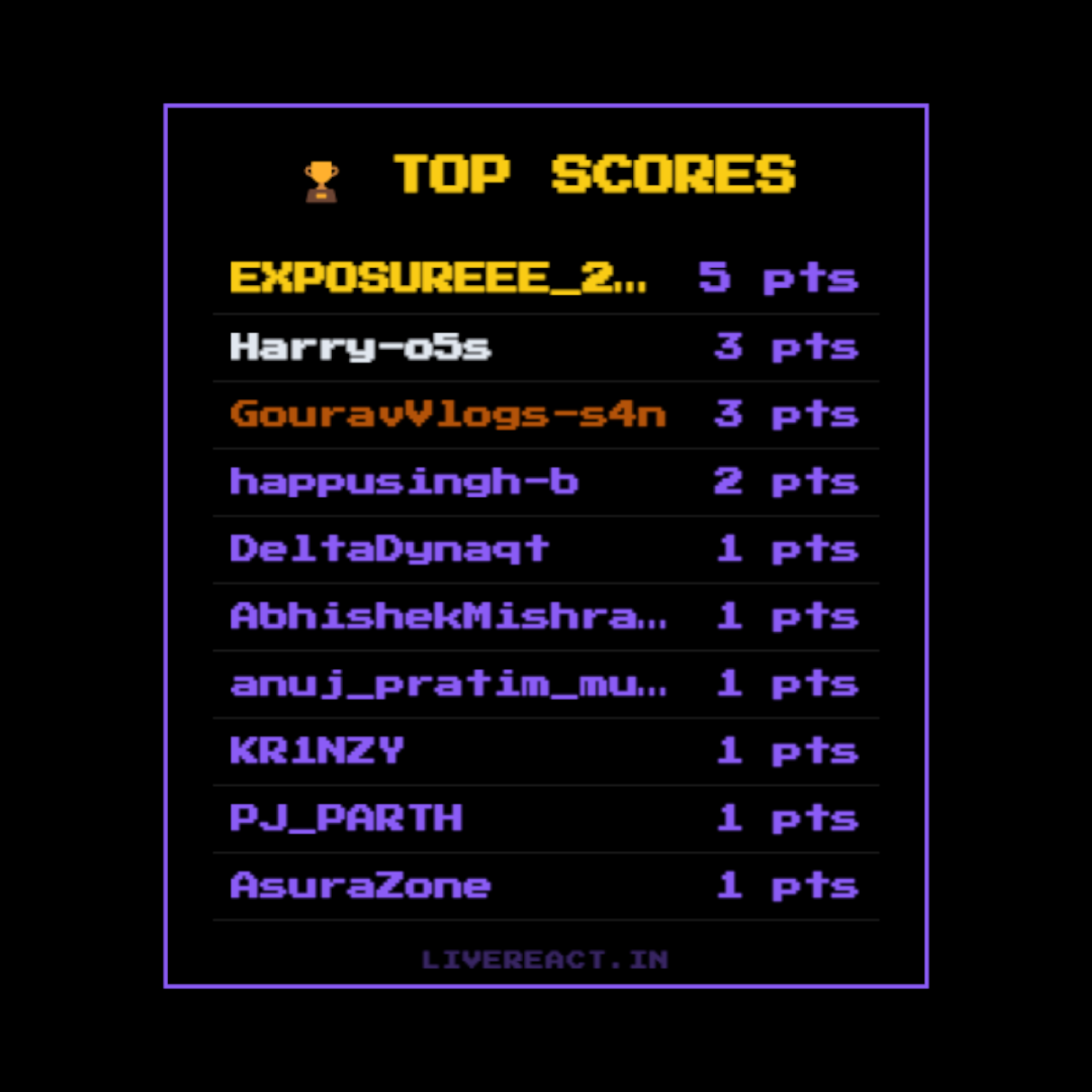
Auto-Grading: The overlay automatically tracks who voted correctly and awards +1 point to their score.
-
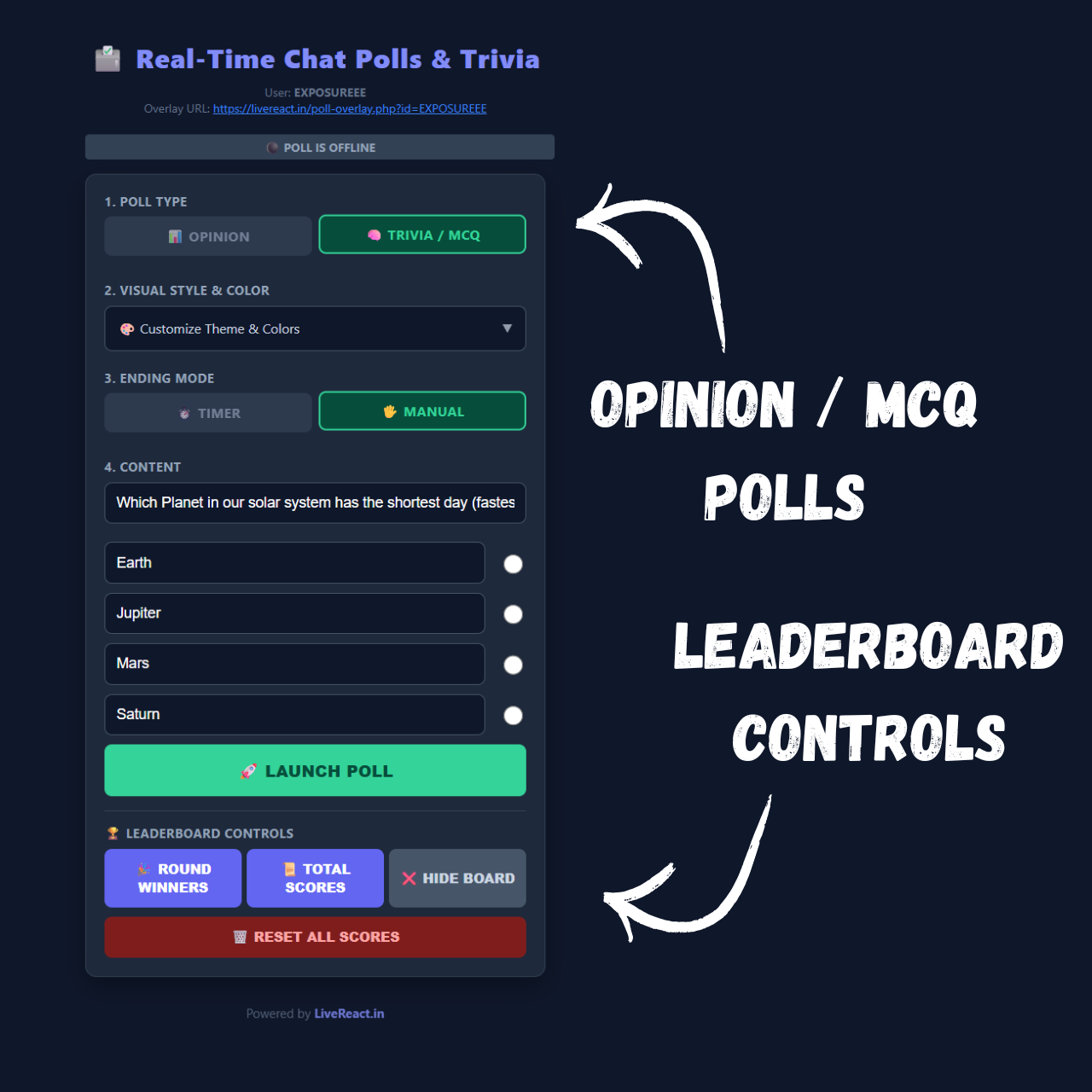
Live Leaderboard: With one click, switch the overlay to display a “Top 10” Leaderboard or a “Round Winners” list to celebrate the smartest viewers.
-
Persistent Scores: Scores are saved automatically (even if you restart OBS!) until you hit the “Reset All Scores” button.
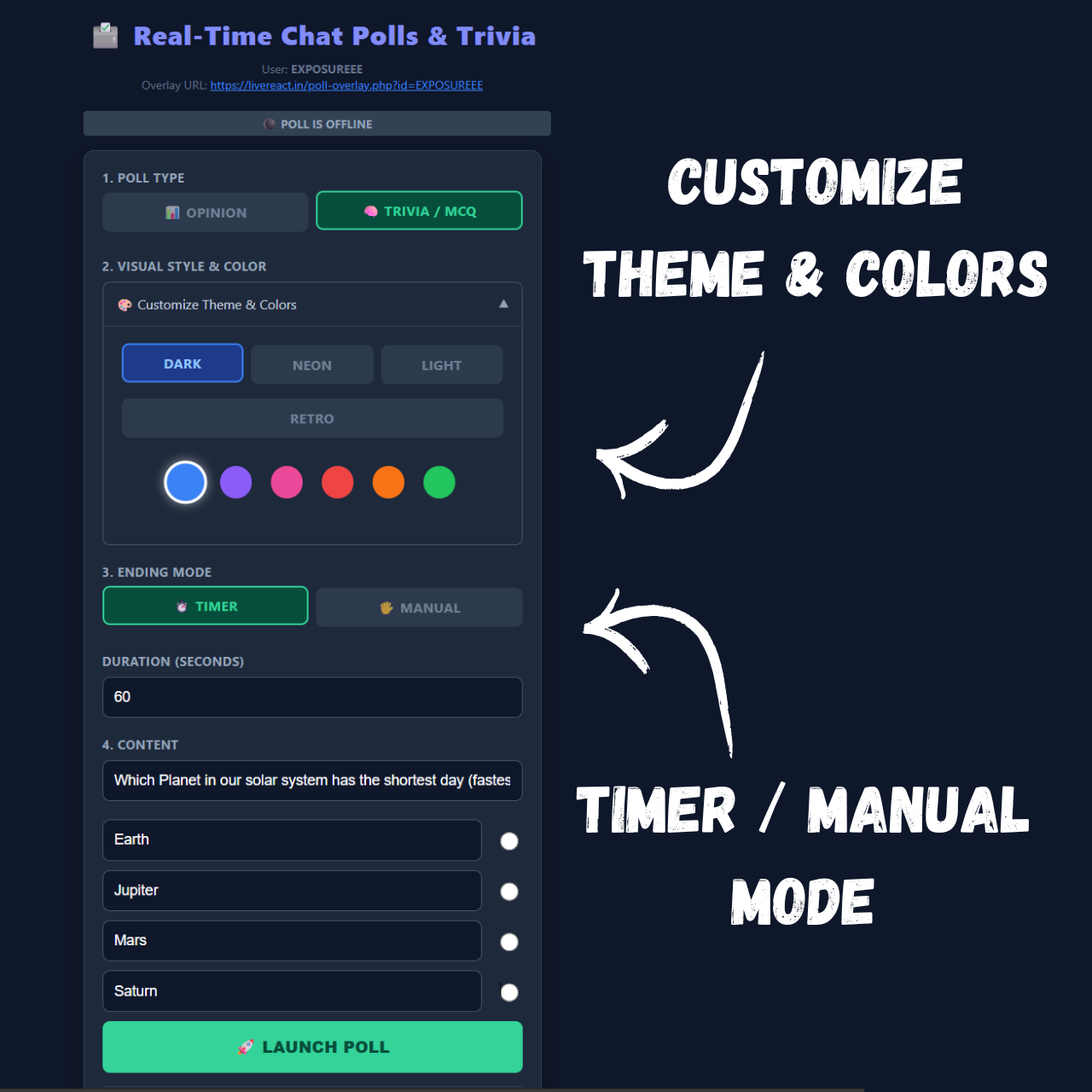
🎨 4 Stunning Visual Themes Switch instantly between styles to match your stream’s vibe:
-
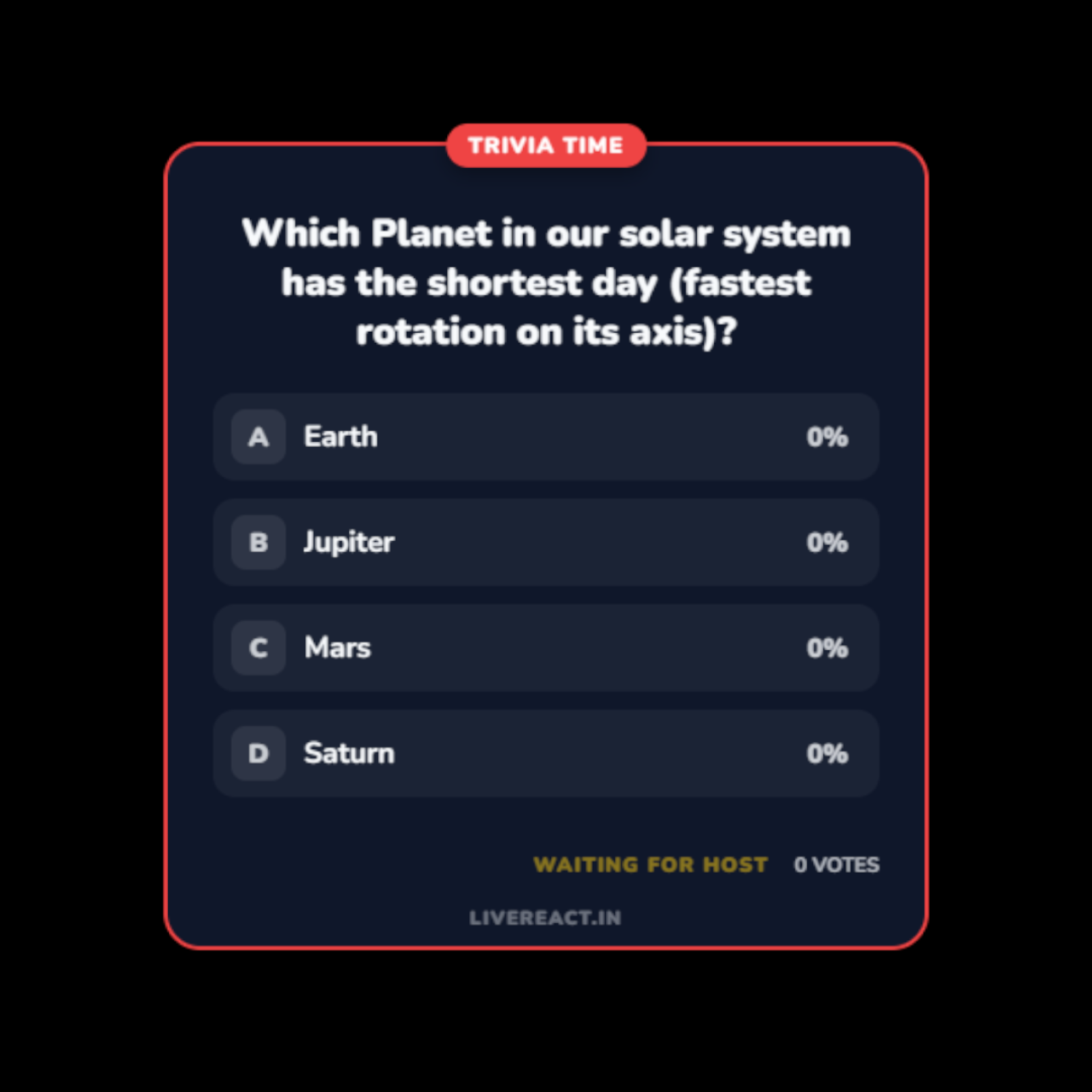
Modern Dark: Clean, professional, and sleek.
-
Neon Cyberpunk: Glowing borders and high-contrast colors.
-
Clean Light: Minimalist and bright.
-
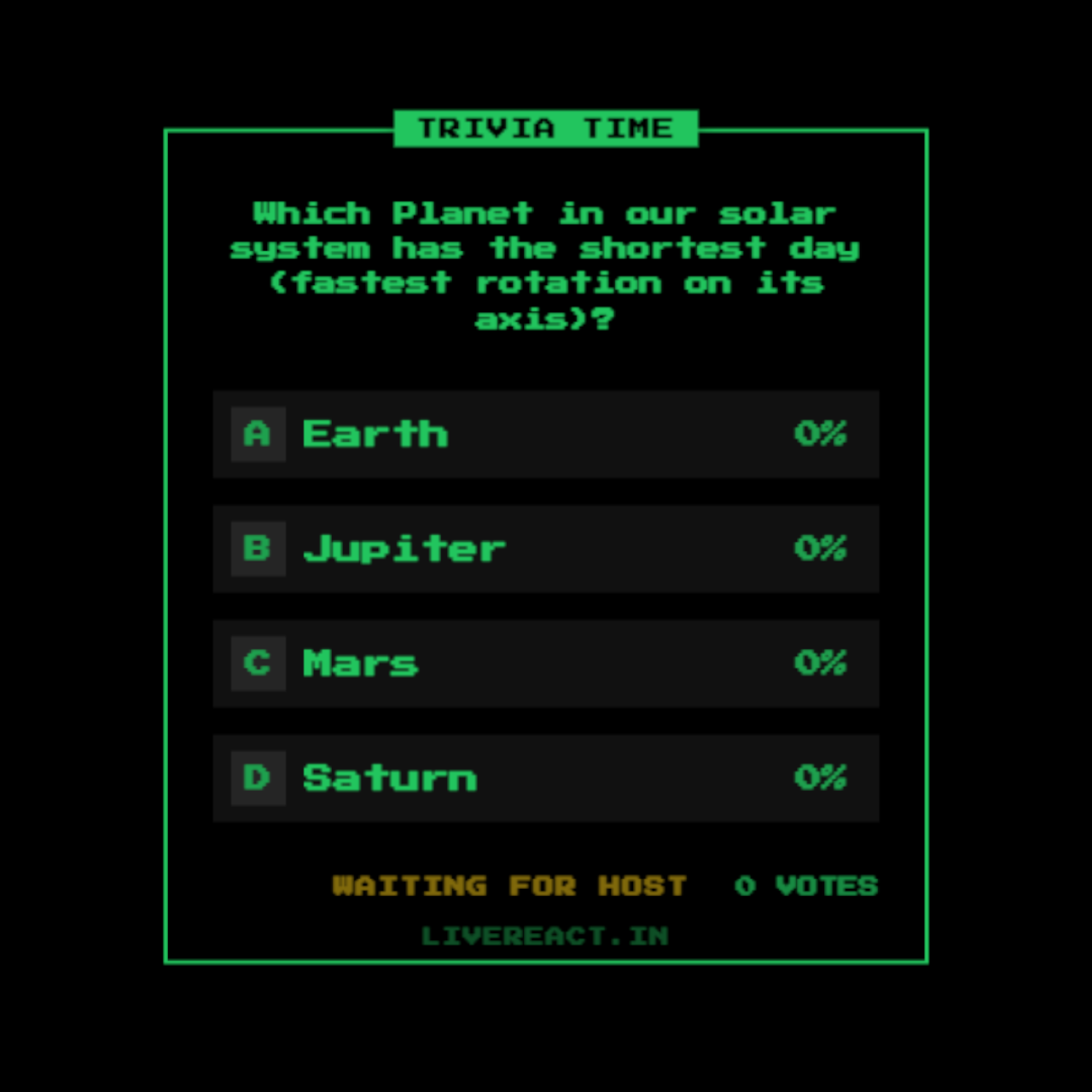
Retro Pixel: Perfect for 8-bit or indie game streams.
⚡ Smart & Flexible Control
-
Flexible Voting: Viewers can type
A,B,C,Dor even spamAAAA,bbbb—the system intelligently counts their vote. -
Spam Protection: Ensures each viewer can only vote once per round, keeping results fair.
-
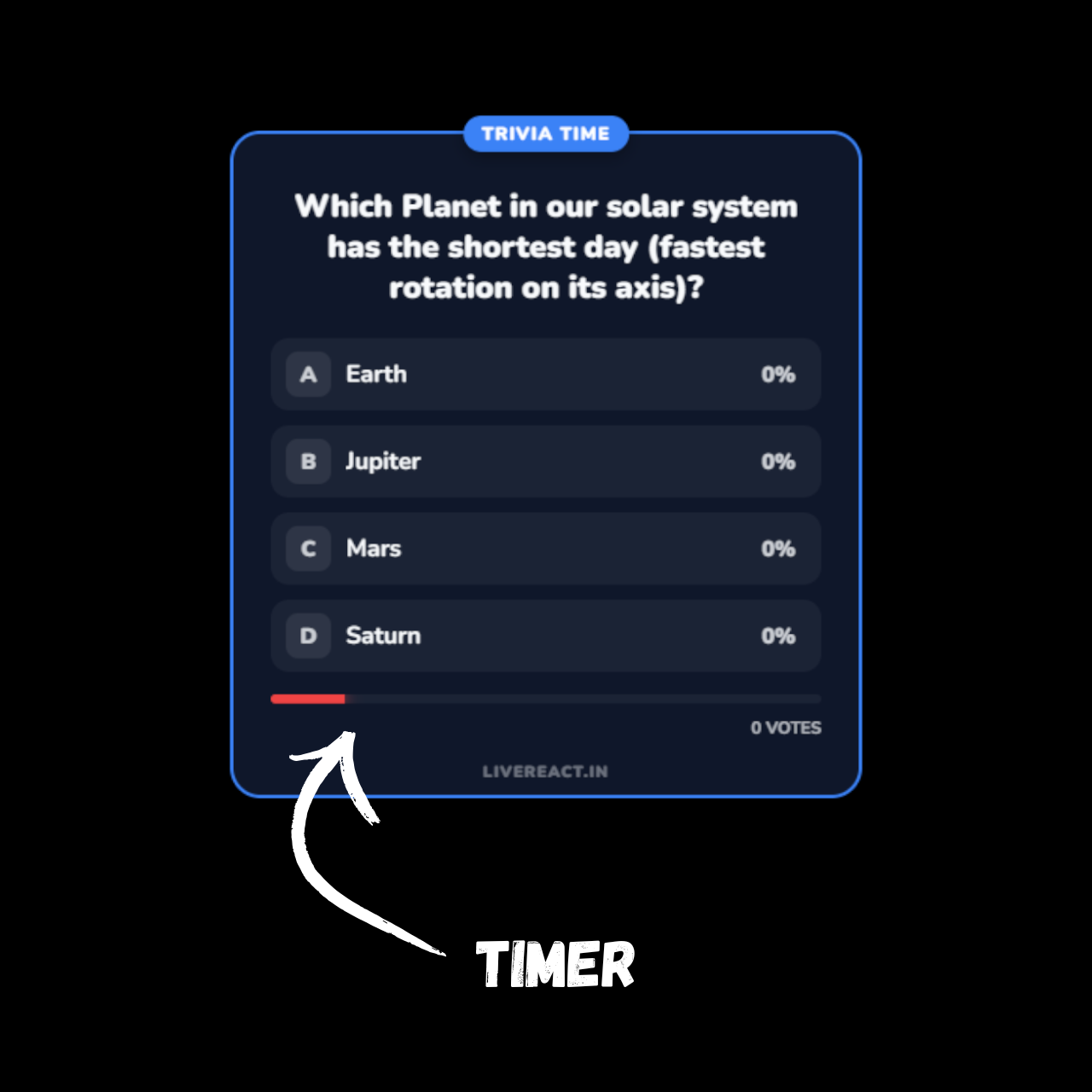
Custom Timers: Set a countdown (10s–300s) or use Manual Mode to control exactly when the results are revealed.
⚙️ How It Works
-
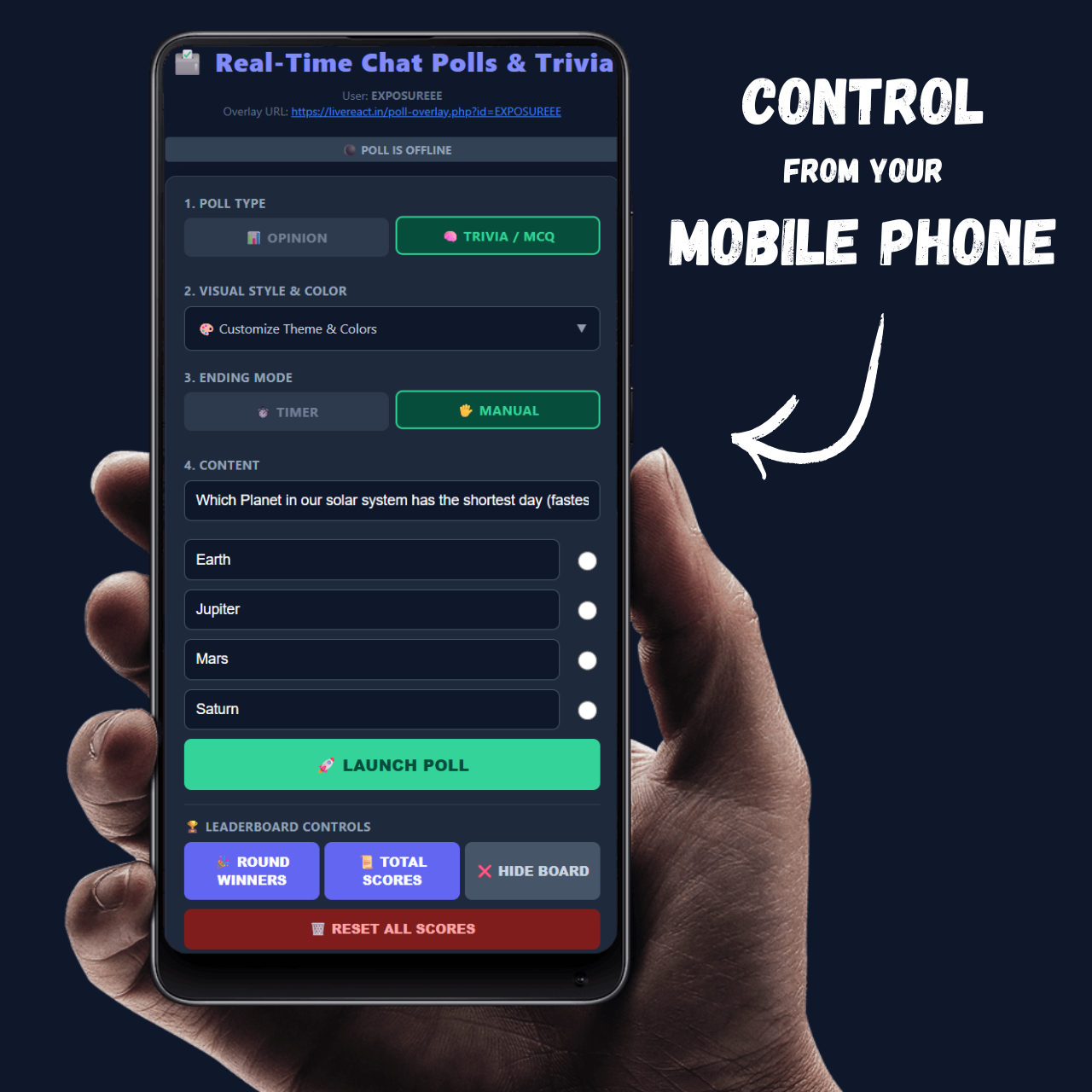
You Launch a Poll: Open the simple Admin Panel on your phone or PC. Type your question and options.
-
Click “LAUNCH”: The poll automatically slides onto your OBS stream.
-
Viewers Vote: They type A, B, C, or D in chat.
-
Watch it Update: The bars fill up in real-time.
-
The Reveal: When the timer ends, the winner is highlighted. In Trivia mode, points are automatically awarded to winners!
📋 Easy Setup Instructions
Requirement: This overlay requires Streamer.bot (free software) running on your PC to detect chat messages.
Step 1: Add Browser Source After purchasing, you will get a unique Admin Panel Link. Inside the panel, you will find your Overlay URL.
-
Open OBS Studio.
-
Create a new Browser Source.
-
Paste your unique Overlay URL into the URL field and Click OK.
Step 2: Enable WebSocket (One-time setup) The overlay communicates with Streamer.bot via a local connection.
-
Open Streamer.bot -> Servers/Clients tab.
-
Go to WebSocket Server.
-
Set Port to
8080(default) and check Auto Start. -
Click Start Server.
- Ensure your YouTube/Twitch account is connected inside Streamer.bot Platforms section.
Step 3: Customize & Play!
-
Open your Poll Admin Page on any browser (works on mobile!).
-
Select your Mode (Opinion/Trivia), Theme, and Timers.
-
Click 🚀 LAUNCH POLL and watch your chat engagement explode!
⚠️ Critical Note: You must keep Streamer.bot open in the background for the overlay to track chat votes.

Reviews
There are no reviews yet.